

New Employee Resources
This page brings together the everyday brand resources used by Butler faculty and staff. Whether you’re new to Butler or updating your existing materials, you’ll find guidance for commonly used brand elements below.
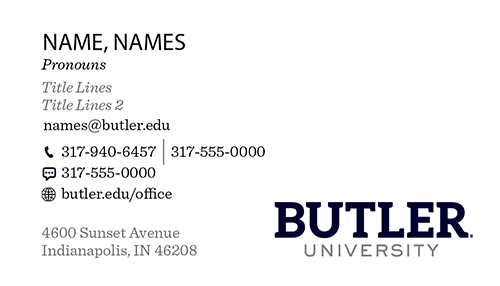
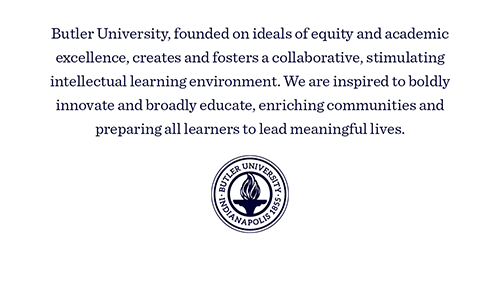
Ready for new business cards? Butler’s standard business card features a consistent front design with back design options. Select your preferred design and order through Campus Impressions via CopyNet. If you have any questions about CopyNet, check the FAQs or contact Campus Impressions at 317-940-6495.
Front
Back
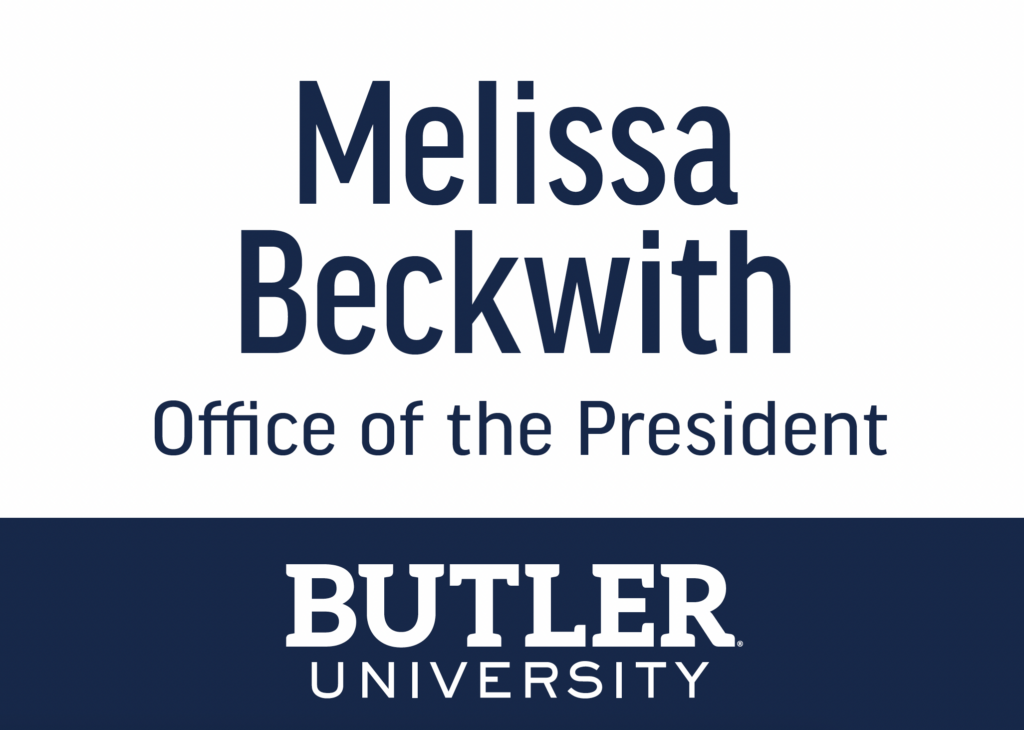
Beginning in Summer 2026, Butler introduced a new standard name badge design as part of the University’s brand refresh. The updated badges feature a clean white background on acrylic material.
As a best practice, name badges should include an individual’s name and department or division. Titles should generally be omitted to keep the design clean and consistent. An exception may be made for senior leadership roles where including a title is appropriate.
Name badges can be ordered through Bardach Awards by contacting sbardach@bardachawards.com. To help streamline production, colleges and departments are encouraged to consolidate requests into a single order whenever possible rather than submitting multiple individual orders.
The Butler Directory is the University’s official source for faculty and staff profile information, including names, photos, contact information, office locations, biographies, and other profile details.
Because directory access is managed at the individual user level, each faculty and staff member is solely responsible for maintaining their own profile. University Marketing does not have access to edit directory profiles or make updates on your behalf.
Need to make changes? View instructions for creating or updating your Butler profile.
Every email you send is an opportunity to reinforce the Butler brand. A consistent email signature helps create a professional, recognizable experience for prospective students, families, alumni, donors, partners, and colleagues while strengthening the University’s visual identity across thousands of daily interactions.
Create Your Butler Email Signature
Use the Butler Email Signature Builder to quickly create a signature using the University’s current brand standards. Add your contact information, select the options that apply to you, and the builder will generate a ready-to-use signature.
Once your signature is complete, copy it from the builder and paste it into your Outlook signature settings. The builder handles the formatting and brand elements for you, so there’s no need to manually format your signature or download a separate wordmark.
Add Your Signature to Outlook
After copying your completed signature from the builder, open your Outlook signature settings, create a new signature, and paste it into the signature editor.
Contact University Marketing
Visit Us
Robertson Hall, Room 201
4742 Garden Road
Indianapolis, IN 46208
Office Hours
Monday–Friday
8:30 AM–5:00 PM
Email Us
Have a question or need guidance? Reach out to our team directly:
marketinginfo@butler.edu